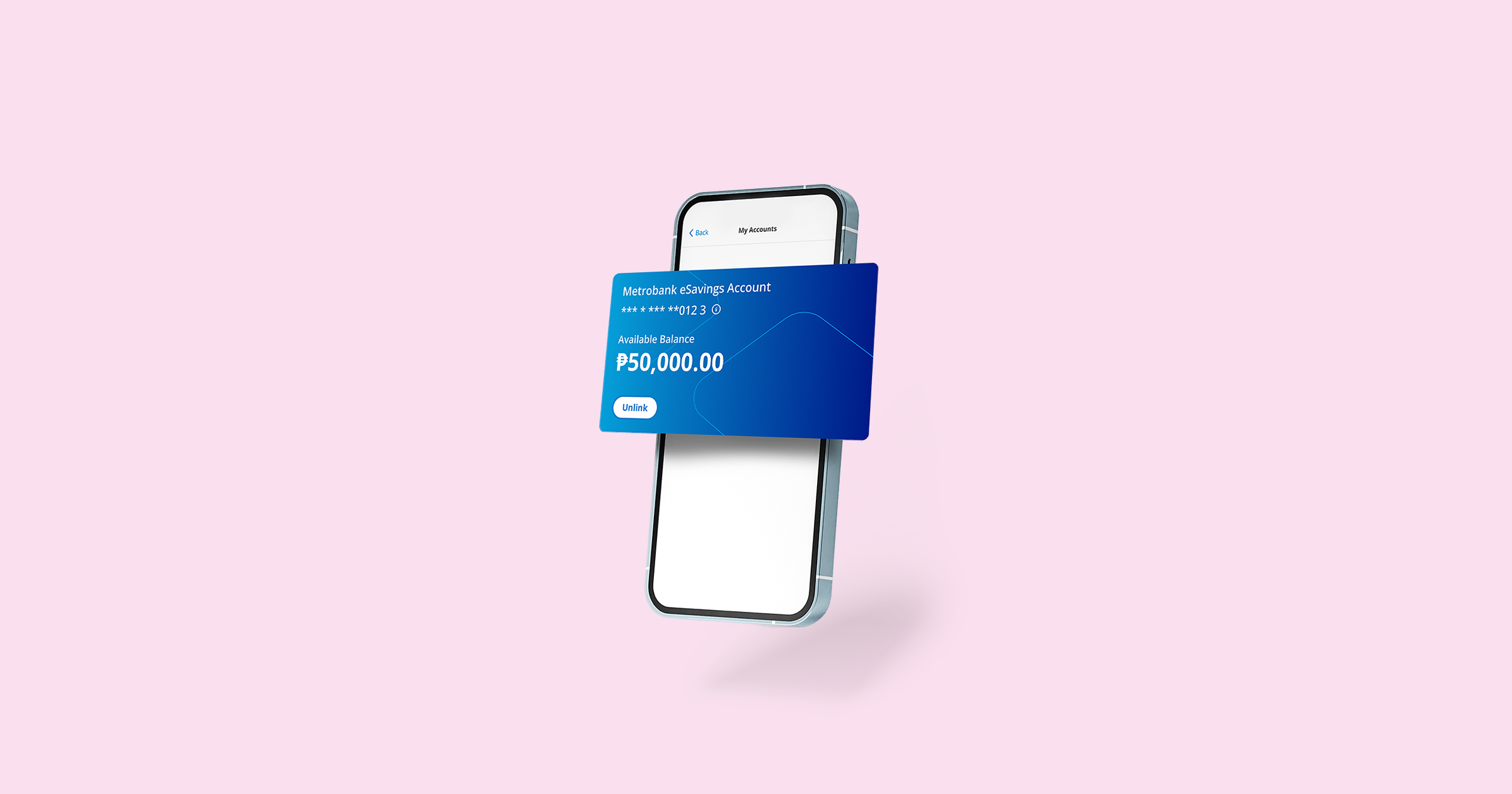
Making your 1st investment on Earnest starts with a Metrobank account. It can serve as a settlement account when adding money to, and taking money out from, your investments.
If you need an account, you can apply online via Earnest. Here’s a complete guide on how to open a Metrobank eSavings Account in minutes for your investing needs.
Step 1: Applying for a Metrobank eSavings Account
First, you need to download the Earnest app and create an Earnest account. You can simply log in if you’ve already signed up.
Then, you can start your eSavings account application via the home page or by going to the “More” tab then tapping “My Accounts.” You will be prompted to capture a photo of 1 valid ID and take a selfie check.
Learn more about the do’s and don’ts of opening a Metrobank eSavings Account in this article.
Step 2: Getting a fully verified account
If you’ve completed your application and there are no issues, you’ll immediately get a semi-verified eSavings account. It will take a maximum of 2 banking days to become fully verified.
In some cases, additional documents are required for full verification. Our team will reach out via email if you need to provide further information.
Your account must be fully verified so you can use it to invest on Earnest.
Remember to add money within 7 days upon account opening (after getting semi-verified) to avoid account closure.
Step 3: Linking your account to Earnest
Once your eSavings account is fully verified, you can link it to Earnest to begin investing. Just go to “More” then “My Accounts” and tap “Link a Metrobank account” to start linking.
Step 4: Making your 1st investment
With a linked account, you’re all set to invest! You can now visit the “Products” tab to start growing money via an Online Time Deposit or to find a Metrobank investment fund that fits your needs and goals.
If you need help choosing, you can take an assessment to get product recommendations that match your risk profile.
This step is important so you can avoid taking on more risk than you can handle and instead begin with a product that suits you best.
You can also read articles and lessons on the app to know more about your investing choices and how to pick the right option.
Additionally, you can use your Metrobank eSavings Account outside of the Earnest app for online purchases, over-the-counter transactions, and other banking needs.
Learn more about its features on the Metrobank website.


.png)
