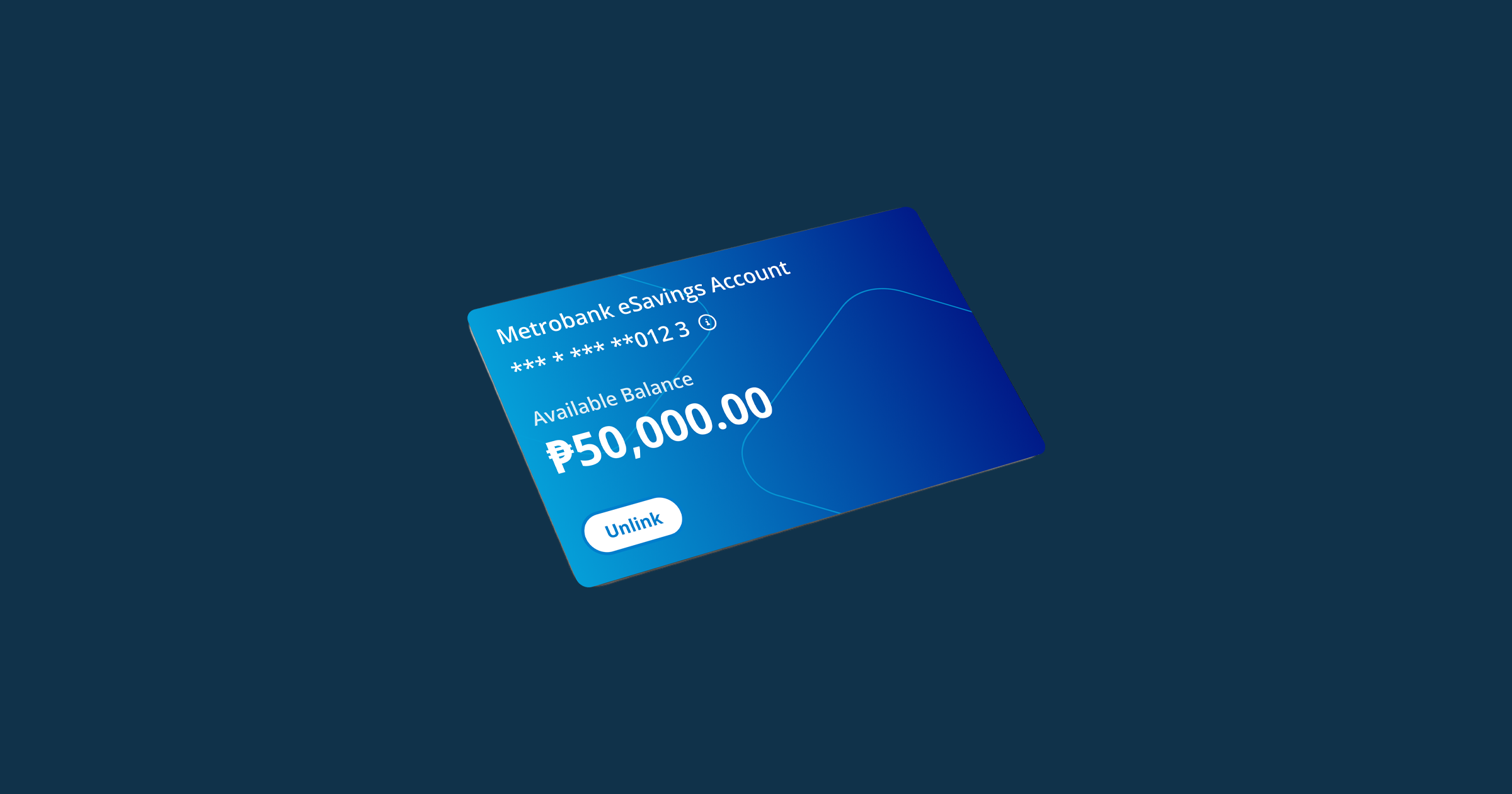
If you want to open a Metrobank account online, you can apply for a Metrobank eSavings Account with 1 valid ID.
Learn what else you need to prepare for your application. Read below.
Who can open a Metrobank eSavings Account online?
You can open a Metrobank eSavings Account if you’ll use it for personal transactions and not for business. Before applying, make sure you meet the following conditions:
- You’re 18 years old and above.
- You’re a Filipino currently residing in the Philippines.
- It’s your 1st time to open a Metrobank account online and you’ve never opened an Earnest Digital Account.
What are the requirements for opening a Metrobank eSavings Account?
If you meet all qualifications, the next thing to do is prepare these requirements:
1. One valid ID
You only need 1 valid government-issued ID to apply. It must be an original copy that isn’t scanned or expired. Here are the accepted types of IDs:
- PRC ID with signature
- UMID
- Driver's license with signature
- Philippine Passport
- Philippine National ID (Philsys ID or ePHILID)
2. Selfie capture
During the account application process, you’ll be asked to perform a face capture. It’s ideal to complete this step in a well-lit room for a smoother experience.
Learn more about the do’s and don’ts of applying for and maintaining a Metrobank eSavings Account in this article.
Where can you apply for a Metrobank account online?
You can apply for a Metrobank eSavings Account through the Earnest app, where you can also link your new bank account and use it for investing. Simply create an Earnest account to begin your eSavings application.
Alternatively, you can open an eSavings account through the Metrobank App. To know more about the Metrobank eSavings Account, visit the Metrobank website.

.png)
